My account
Everything about your own account lives under Settings → Account, which has three pages: General, Context, and Memory.
Update your profile
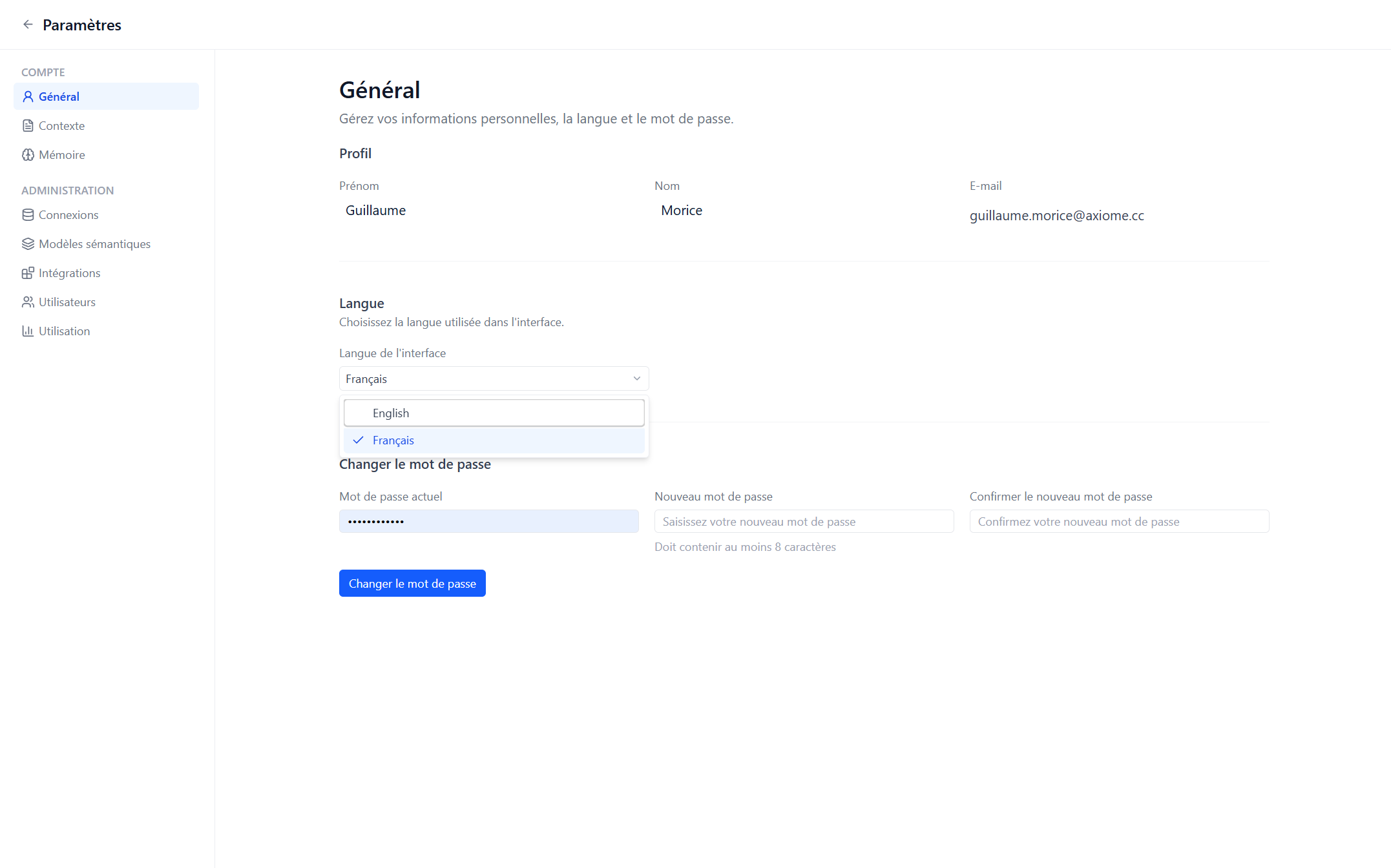
Change your first name and last name in Settings → Account → General. Your email is shown there too — it's your login and can't be changed yourself.
Change your password
On the same page, under Change password: enter your current password, then your new one twice (at least 8 characters, and different from the current one).
Lost your password? Your workspace administrator can reset it and hand you a new temporary one.
Switch the language
Axiome speaks English and Français. Change it in Settings → Account → General, under Language — the whole interface switches immediately.
The choice is saved to your account, not to your browser, so Axiome stays in your language on any computer you sign in from.
This documentation works the same way: use the language switcher in the top-right corner.
Your context and memory
The two other pages under Settings → Account shape how Axi works with you:
- Context — a document where you write what Axi should always know about your scope and your preferences.
- Memory — the facts Axi has saved while working with you, to review and delete.
Both are covered in Context and memory.