Getting started
Welcome to Axiome! In ten minutes you'll know your way around and have your first dashboard on screen.
Log in
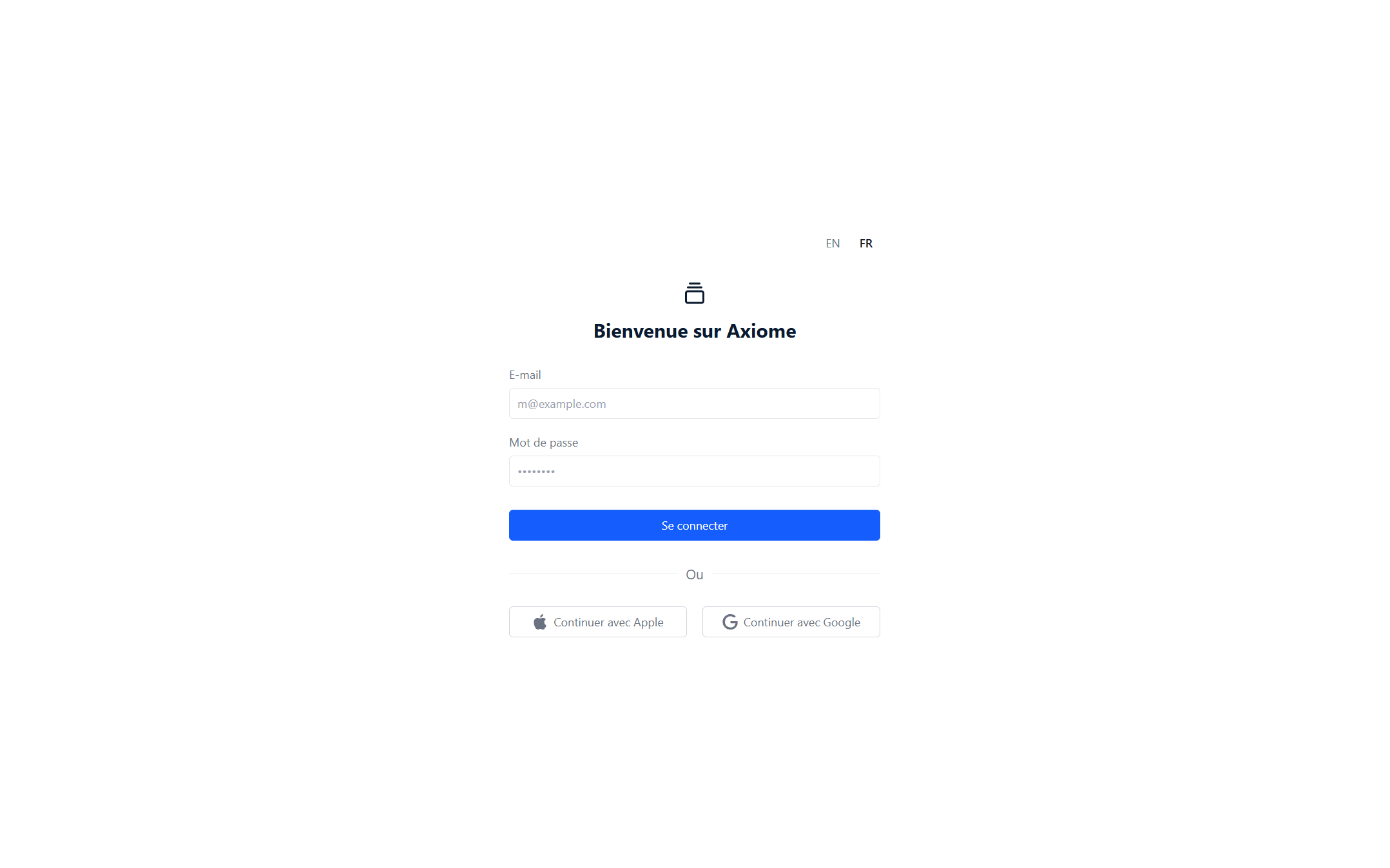
Go to app.axiome.cc and sign in with your email and password.
Your account is created by your workspace administrator. If you don't have one yet — or you've lost your password — ask them. You can change your password anytime in your account settings.
Find your way around
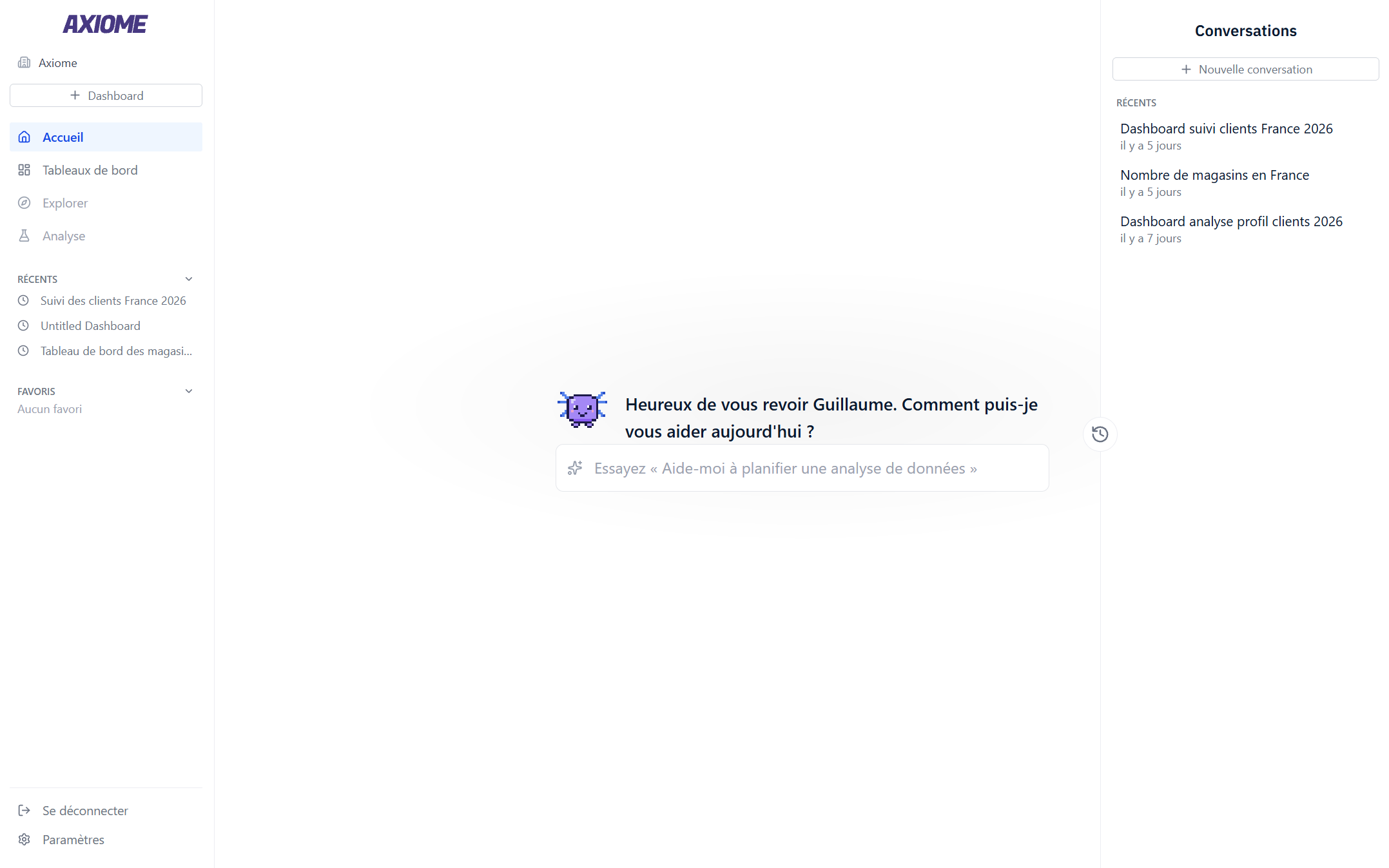
After logging in you land on Home — a full page for talking to Axi, with your past Conversations listed on the side. The left sidebar takes you everywhere else:
- Home — ask Axi anything and pick up past conversations.
- Dashboards — every dashboard you own or that's shared with you. Your recents and favorites stay pinned in the sidebar.
- Settings — your profile and password, the language, plus your context and memory.
Ask your first question
The fastest way to see Axiome work: type a question into the "Ask Axi anything..." box on Home, in plain English or French.
"Show me a chart of monthly revenue"
Axi answers with real numbers from your company's data and, when it makes sense, builds a chart or table right in the conversation. Like what you see? Click Add to dashboard to keep it.
Create your first dashboard
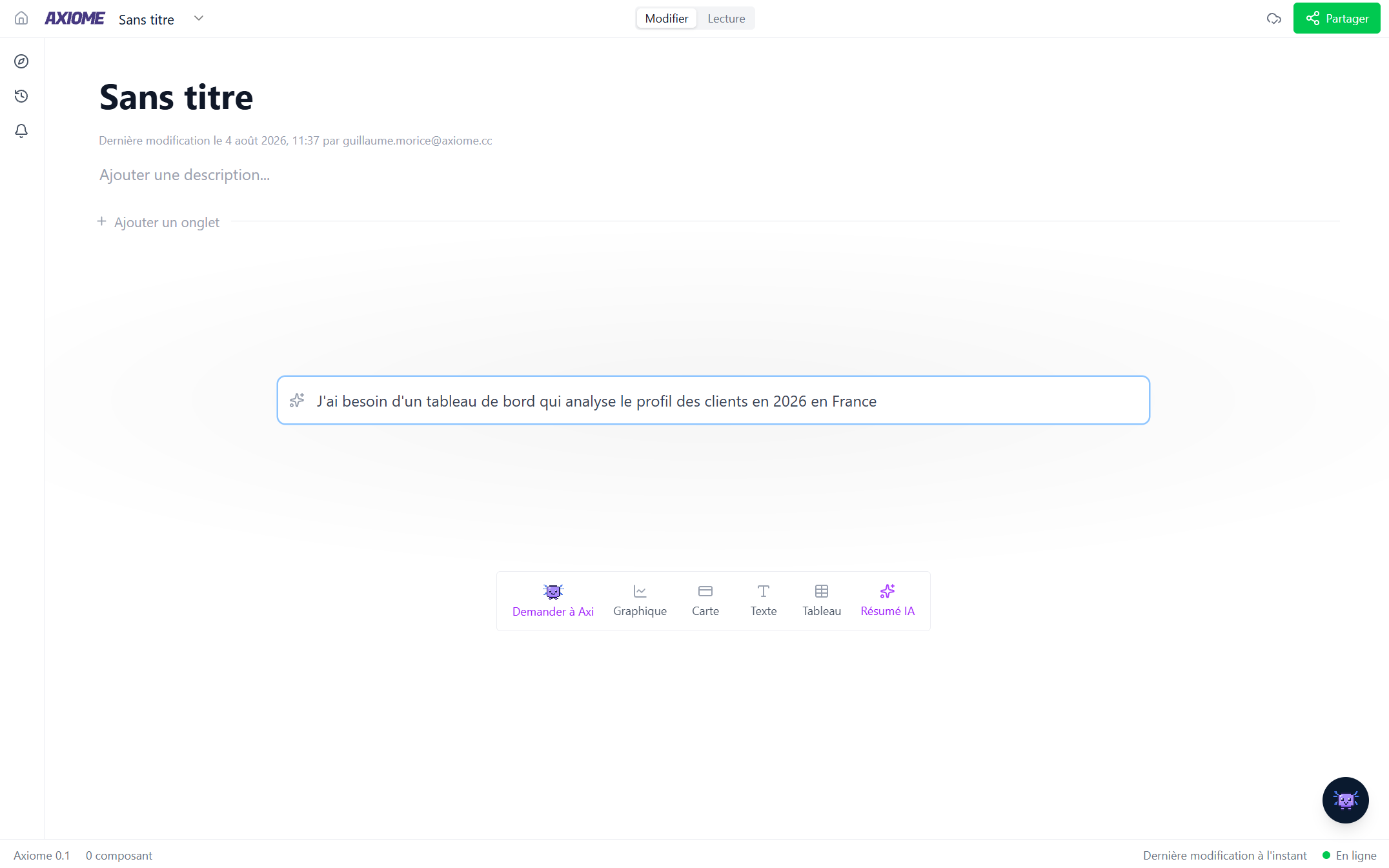
- From Home or the Dashboards page, click New dashboard.
- Give it a title.
- Fill it your way:
- Ask Axi — "Build a dashboard with key metrics" — and watch the widgets appear.
- Build by hand — add a chart, table, card, or text block and configure it yourself.
Everything is saved automatically as you go — there is no save button — and anyone the dashboard is shared with sees your changes live.
Share it
Click Share in the dashboard's top bar and choose who can see it — a few colleagues, your whole organization — and whether they can just view or also edit. Details in Sharing.
Where to go next
- Understand the words Axiome uses in Core concepts.
- Learn the dashboard basics in Creating and layout.
- Get more out of the AI in Meet Axi.
- Stop opening dashboards to check on things: Alerts and reports.
If Axi tells you there's nothing to query, your workspace probably isn't connected to your company's data yet — that's an administrator task. Point them to the Administration guide.