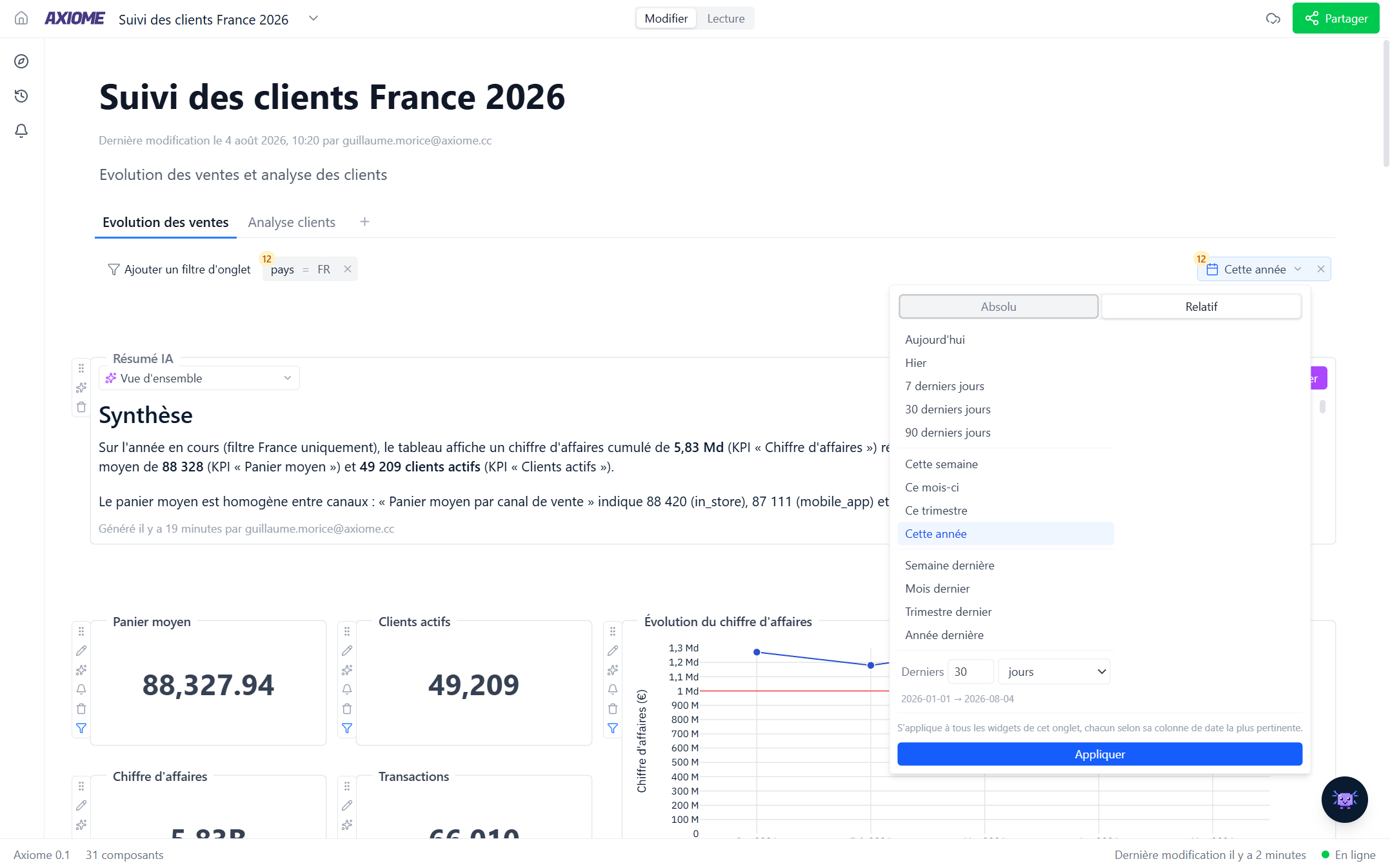
Tabs and tab filters
Tabs
A dashboard can have several tabs — one per team, region, or theme, for example. From the tab bar you can add, rename, duplicate, and delete tabs. Each tab has its own widgets and its own filters.
Filter a whole tab
A tab filter applies to every widget on the tab at once: set it once, and all charts, tables, and cards update together.
When you configure one, Axiome tells you exactly how many widgets it applies to — "Applies to 5 of 7 widgets" — and why the others are left out:
- their data comes from a different connection;
- their data can't be linked to the field you're filtering on;
- they have no date to filter on (for a date filter);
- someone excluded them on purpose.
You can include or exclude any widget individually with its Apply to this widget toggle.
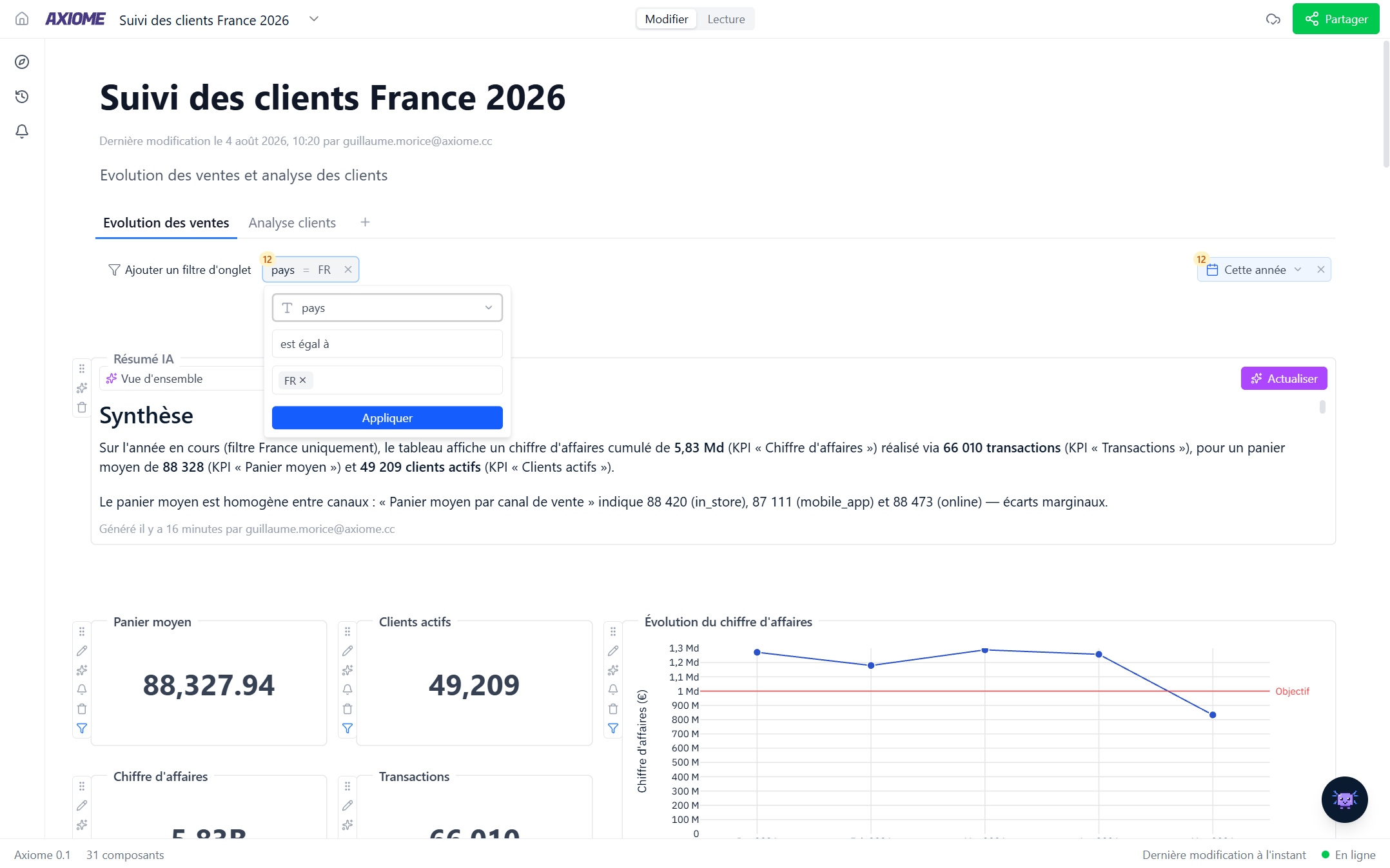
The date filter
The date filter is the tab filter you'll use most, and it's smart: each widget is filtered on its own most relevant date — your tables don't all need to share one date field. If Axiome's automatic choice isn't right for a widget, you can pick the date column yourself, per widget.
Choose a fixed range, or a relative one — Today, Last 30 days, This month, Last quarter… Relative ranges keep the dashboard permanently up to date: open it next month and it shows next month's "last 30 days".