Sharing and access
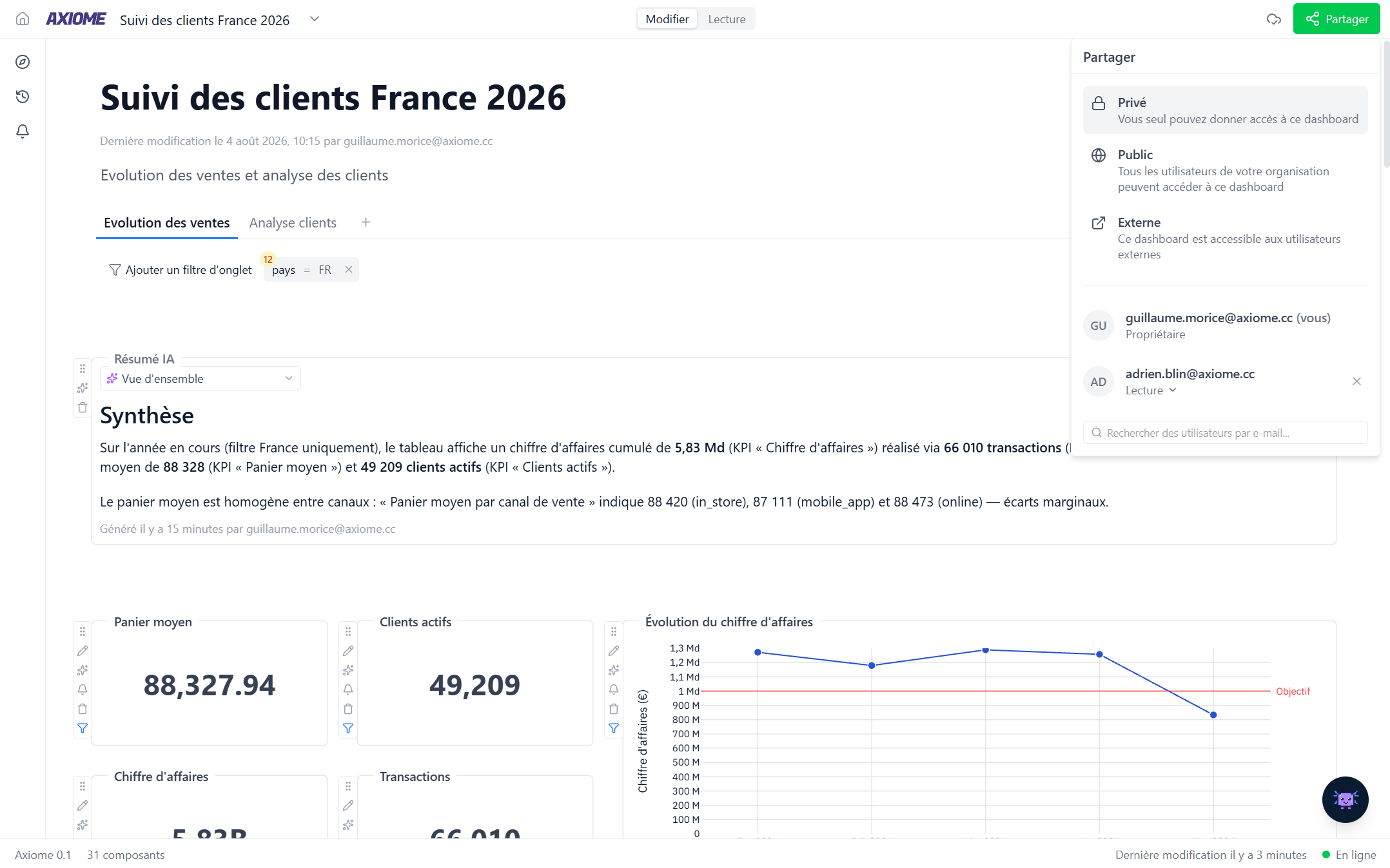
Click Share in a dashboard's top bar to control who sees it.
Choose the visibility
| Level | Who can access |
|---|---|
| Private | Only you and the people you invite |
| Public | Everyone in your organization |
| External | Can also be opened by people outside your organization |
Give access per person
Search colleagues by email and give each one:
- View — see the dashboard with live data. The active tab filters are visible, so it's clear what the figures cover, but changing them needs Edit access.
- Edit — also add, change, move, and delete widgets and tabs, and adjust the tab filters.
You stay the owner: only you can delete the dashboard, and you can remove anyone's access at any time from the same panel.
What people see
Shared dashboards are live — viewers always see current data and edits as they happen. If someone opens a dashboard they don't have access to, they get a clear Access denied page inviting them to contact you.