Core concepts
Five minutes of vocabulary, and everything else in Axiome will read naturally.
Workspace
Your company's private space in Axiome. Everything you see — dashboards, conversations, data — belongs to your workspace and stays there.
Dashboard
A live page of visualizations. Dashboards are organized in tabs, can be filtered as a whole (for example, by date), and update in real time — when a colleague or Axi changes something, you see it immediately. Everything is auto-saved.
Widget
One block on a dashboard. There are five kinds:
| Widget | What it shows |
|---|---|
| Chart | Bars, lines, areas, scatter, or pie |
| Table | Rows and columns, for the details |
| Card | One big number — a KPI — with an optional comparison |
| Text | Titles, context, explanations |
| AI summary | Axi's written commentary on the whole tab |
Fields: dimensions, measures, metrics
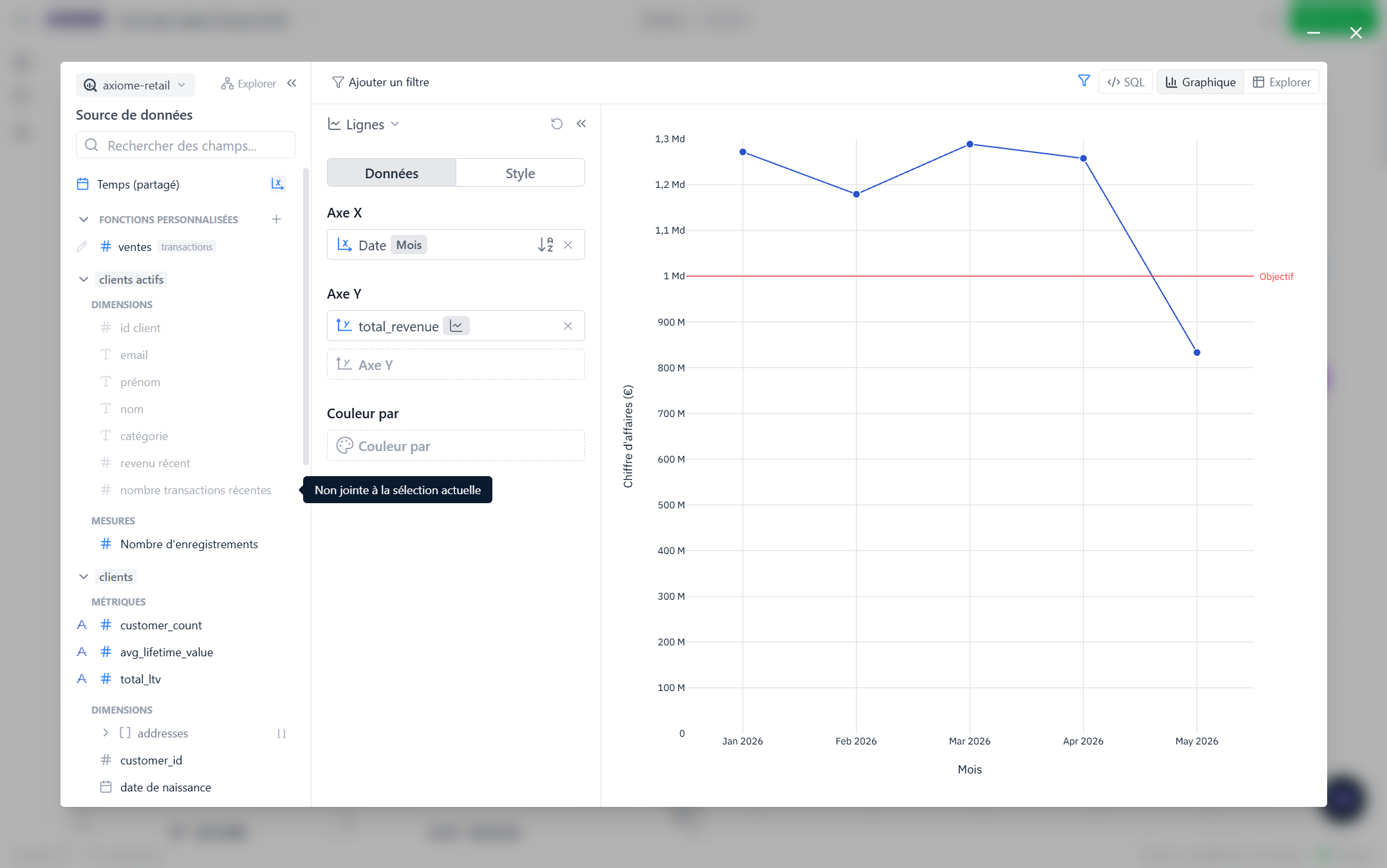
When you configure a widget, the field list is grouped into three families:
- Dimensions — what you group or filter by: country, product, date…
- Measures — how numbers add up: a sum, a count, an average…
- Metrics — your company's official numbers, defined once by your administrators: revenue, conversion rate… When a metric exists for what you need, use it — it's the same definition for everyone.
You don't have to set any of this up. Your administrators describe your company's data once, and every widget — and Axi — works from that same shared description. That's why "revenue" means the same thing in every chart.
Axi
Axiome's built-in AI data analyst. Ask it questions in plain language, tell it to build or edit widgets, or have it explain a number that looks off. Axi uses the exact same data definitions as everything else, so its answers match your dashboards. More in Meet Axi.
Conversation
A chat thread with Axi. Home keeps your conversations in a Conversations sidebar, so you can pick up where you left off. If you send several messages while Axi is working, they simply queue up and run one after another.
Alert
A watch on a number that messages you in Slack — either when it crosses a limit you set, or on a schedule. See Alerts and reports.