Users and roles
Administrators with the Users permission.
Workspace administrators manage accounts in Settings → Admin → Users.
Roles
| Role | Can do |
|---|---|
| User | Use dashboards, widgets, Axi, and alerts; manage their own profile, context, and memory |
| Admin | Everything a user can, plus the administration capabilities below |
Administrators additionally can:
- Manage users — create, edit, reset passwords, delete
- Manage connections — add, test, and remove data sources
- Manage semantic models — the shared definitions everything is built on
- Manage integrations — connect the Slack workspace alerts are delivered to
- Edit the company context — the business knowledge every user's Axi reads
- Manage company memories — shared facts at workspace level
- View usage — AI credits, runs, and per-member activity
Analysis itself is never gated: every member can build dashboards, use Axi, and create alerts. Roles govern configuration, not usage.
You can't change your own admin status or delete your own account — another admin has to.
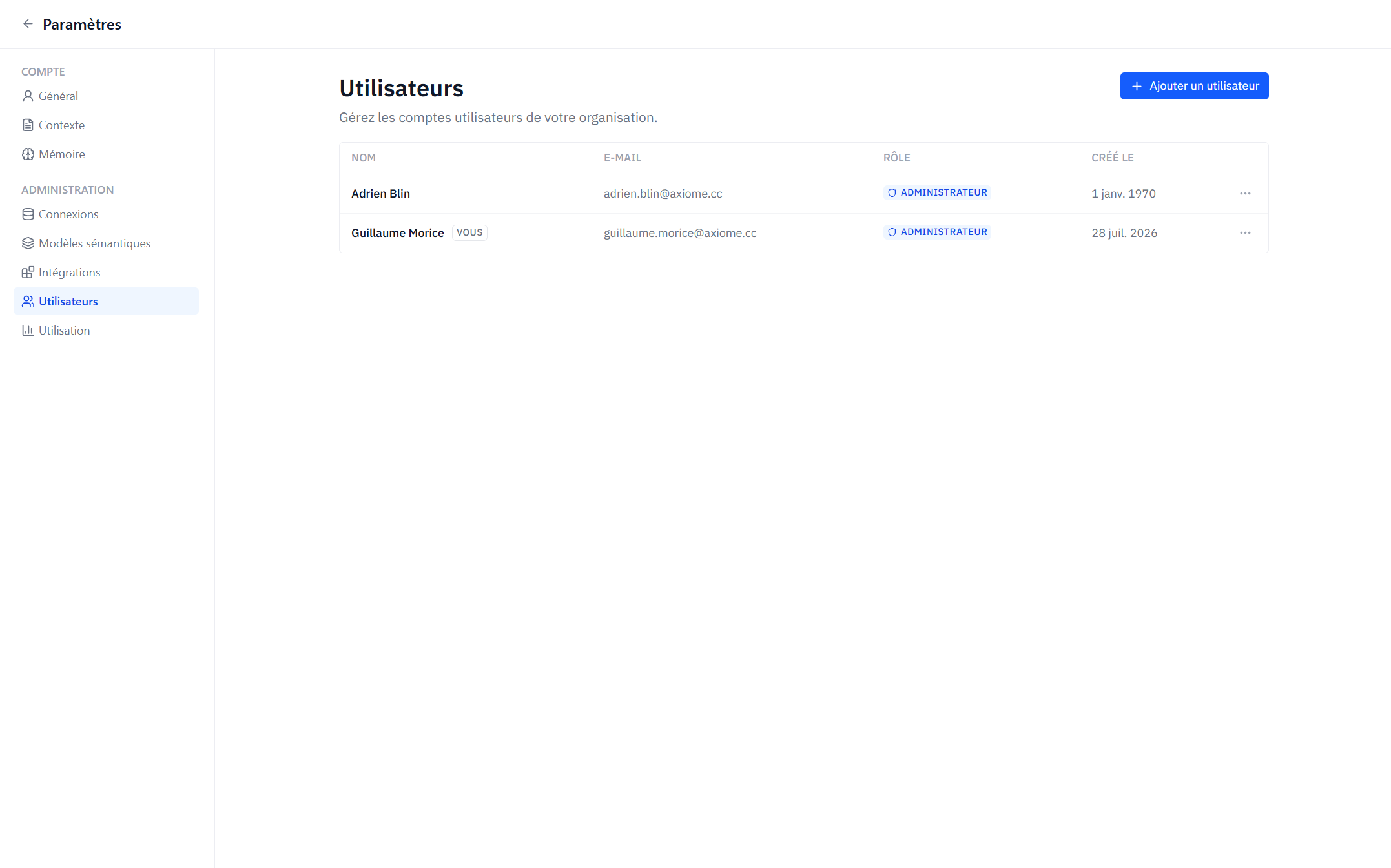
Adding a user
- Click Add User and enter the email, first name, and last name.
- Optionally grant Administrator privileges.
- On creation, Axiome generates a random password and shows it once — copy it and pass it to the user securely. It cannot be displayed again.
The user can then sign in and change their password in Settings → Account → General.
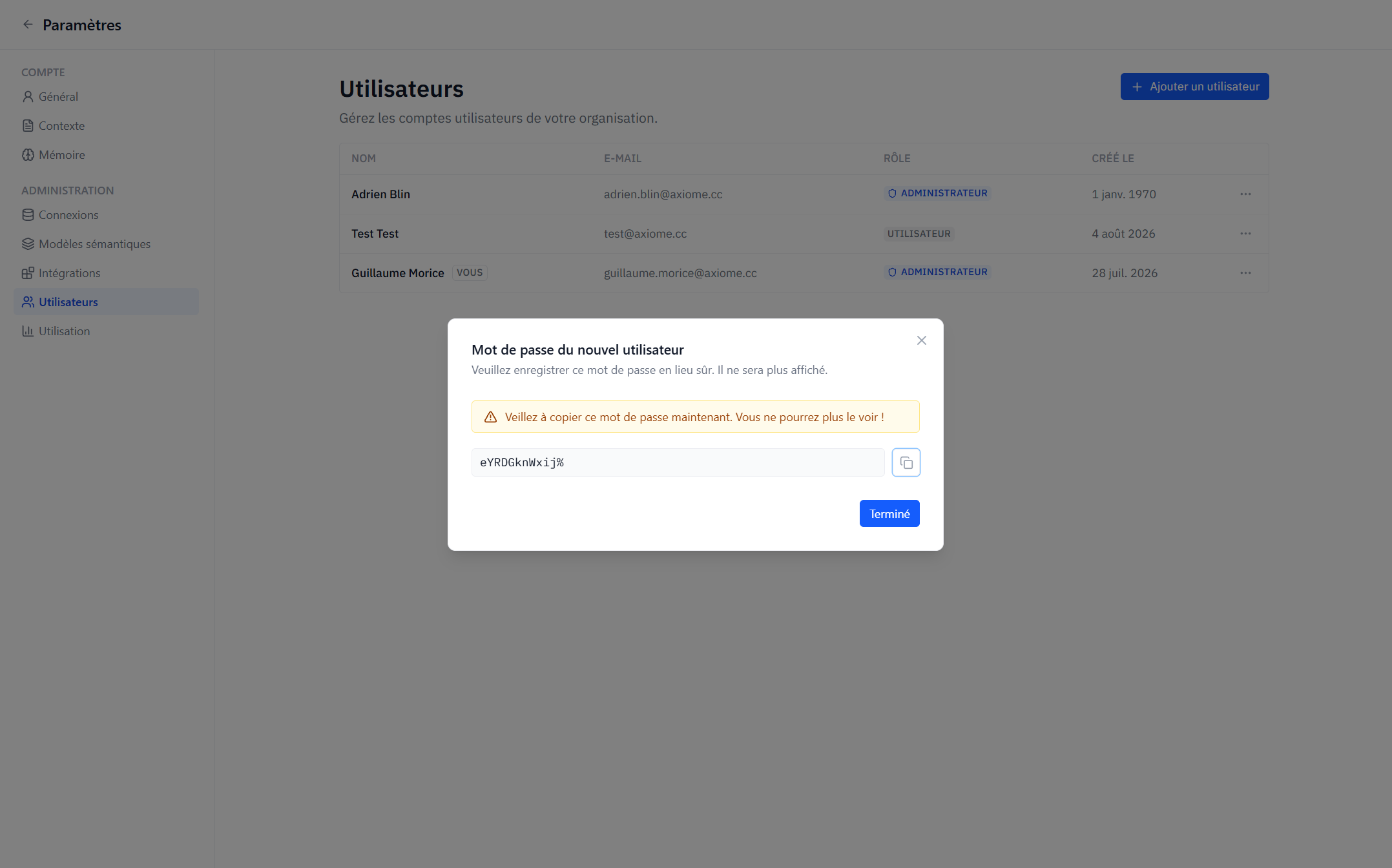
Resetting a password
Use Reset Password on a user's row. A new random password is generated and, again, shown only once.
Deleting a user
Delete permanently removes the account (with confirmation). Usage records of deleted members remain in usage reports, marked as Deleted member.
Workspace suspension
If a workspace is suspended, its members see an explicit message at login and can't access the workspace until it is reactivated. Contact your Axiome representative if you believe your workspace was suspended in error.