Semantic layer overview
Administrators with the Semantic models permission.
The semantic layer is the governed description of your data. Instead of everyone writing their own SQL — with their own subtly different definitions of "revenue" — administrators describe the data once, and every chart, table, card, and Axi answer compiles against those shared definitions.
Semantic models
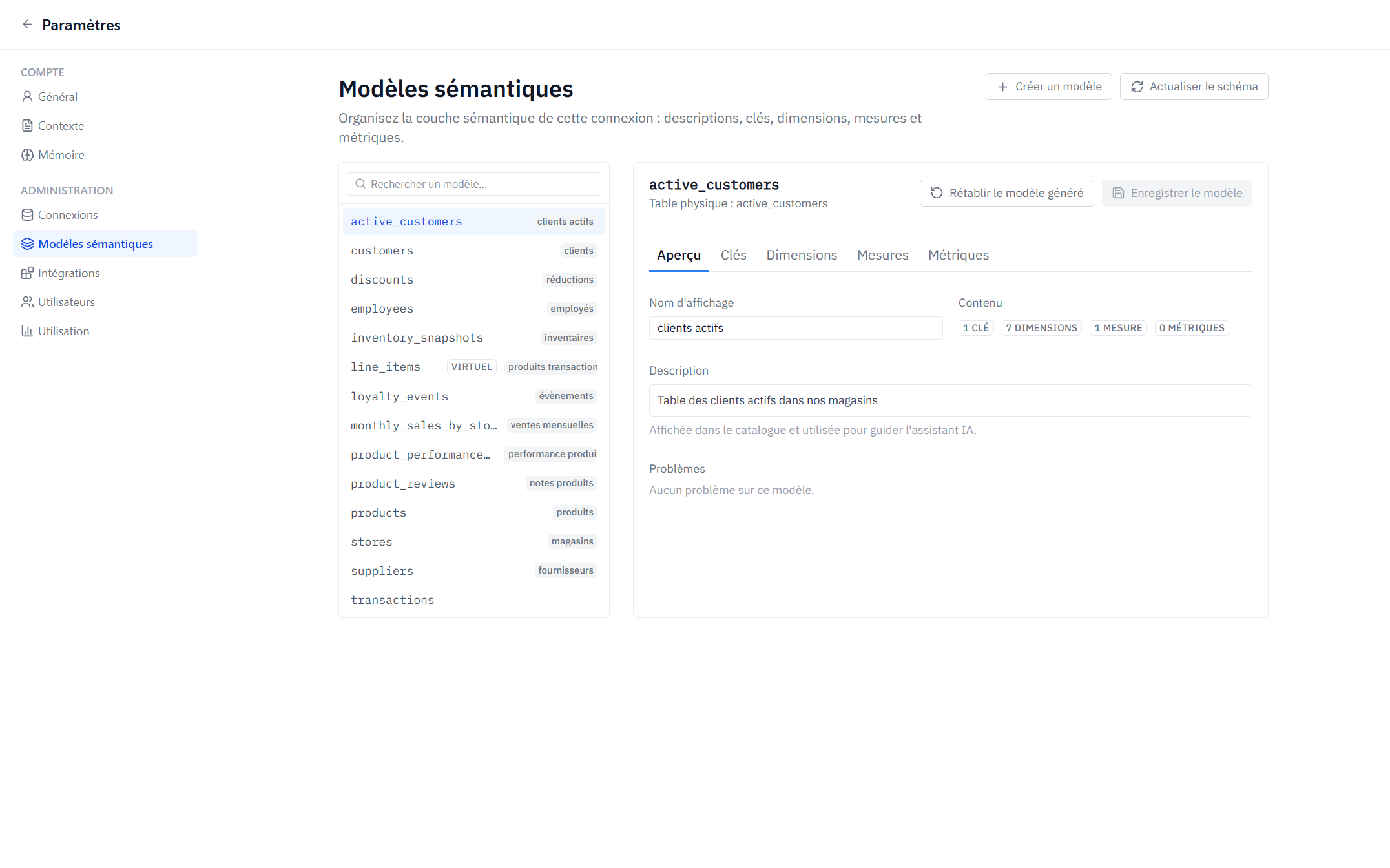
Each connection has a set of semantic models, typically one per table. A model gathers everything Axiome knows about that table:
- Overview — a display name and a description ("What does one row of this model represent?"). The description is surfaced in the catalog and used to ground Axi, so a good description directly improves AI answers.
- Keys — primary and foreign keys, declaring how models join.
- Dimensions — attributes to group and filter by.
- Measures — aggregations over rows.
- Metrics — curated business definitions built on measures.
Models are managed in Settings → Admin → Semantic models. That page covers one connection at a time — pick which one from the selector at the top.
Teams that maintain a dbt project don't have to write these definitions by hand — see Import from dbt.
Generated, edited, custom
When a connection is created (and whenever you click Refresh schema), Axiome introspects the database and generates a baseline model for each table: dimensions and measures inferred from column names and types. Each element carries a provenance badge:
- Generated — produced from the schema, untouched.
- Edited — generated, then customized (the overridden fields are listed).
- Custom — created by an administrator from scratch.
Metrics are always curated — Axiome never invents business definitions for you.
You can Reset to generated at any time to discard all customizations of a model and fall back to the baseline. This cannot be undone.
Refreshing the schema
When your database schema changes, click Refresh schema. Axiome re-introspects the source and shows a per-model report: New, Removed, Changed, or Unchanged columns. Your customizations are kept; a dimension whose underlying column disappeared is flagged as orphaned so you can fix or remove it.
Concurrent editing
Model editing is safe for teams: if someone else saved the same model while you were editing, Axiome detects the conflict and asks you to reload before re-applying your changes — no silent overwrites.
Why it matters for Axi
Axi plans its queries against the semantic layer: model descriptions, dimension and measure names, metric definitions, and declared join paths. A well-curated layer is the single highest-leverage thing you can do to make Axi's answers accurate. Hide internal columns, describe your models, and define your key metrics.