Dimensions and measures
Dimensions
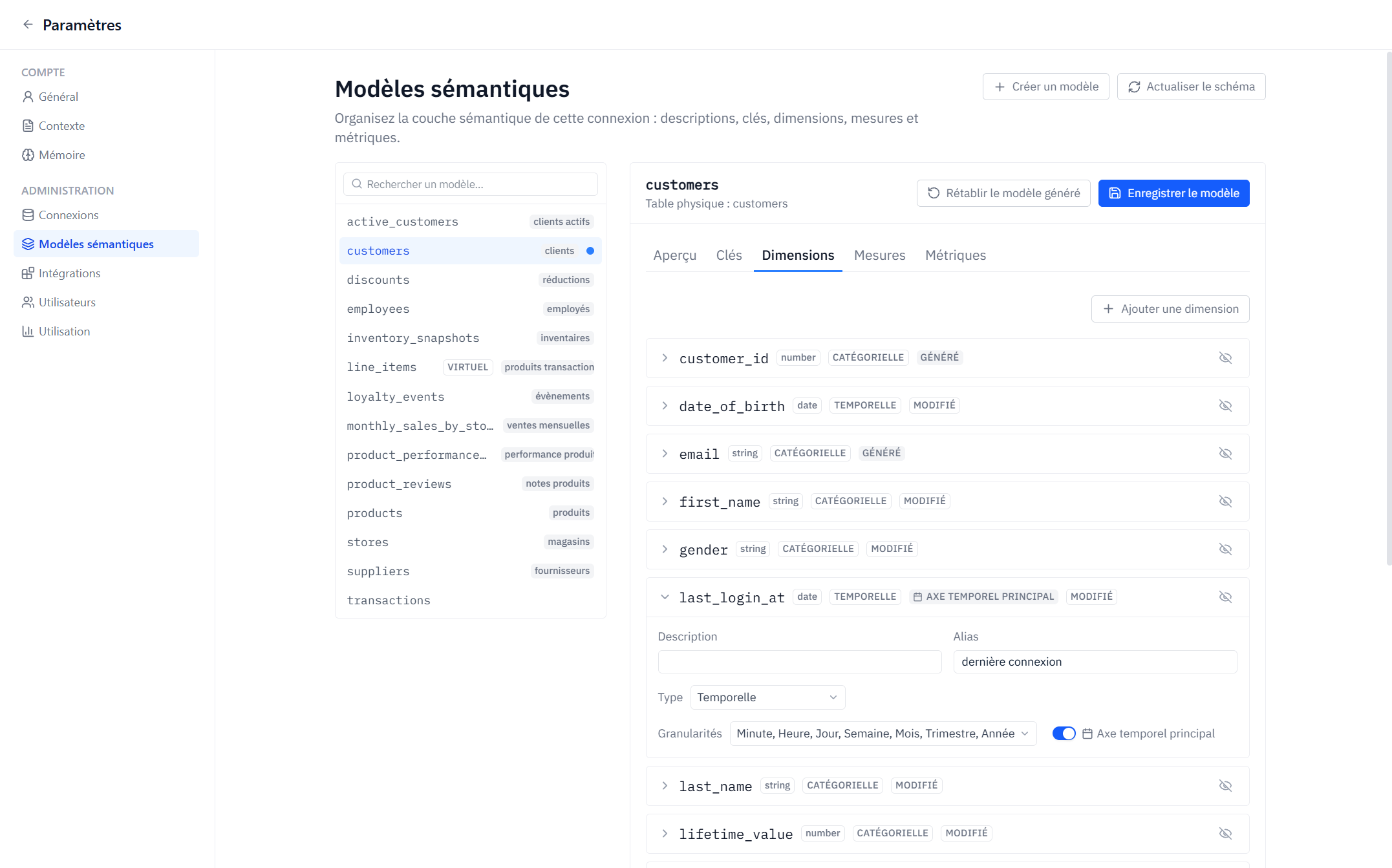
A dimension is an attribute you group or filter by. Each dimension has a kind:
- Categorical — text, numbers, booleans:
country,plan,status… - Time — dates and timestamps, queried at a grain: minute, hour, day, week, month, quarter, or year.
Per dimension you can configure:
- Name, alias, description — what users see in field pickers; descriptions also help ground Axi.
- Source — a plain column or a SQL expression.
- Grains (time dimensions) — which grains are offered in editors.
- Primary time axis — marks the model's default time dimension. It powers the shared time axis used by tab date filters and by cumulative/offset metrics.
- Hidden — hide internal columns from editors without deleting them.
If a schema refresh finds that a dimension's underlying column is gone, the dimension is flagged orphaned so you can re-bind or delete it.
Measures
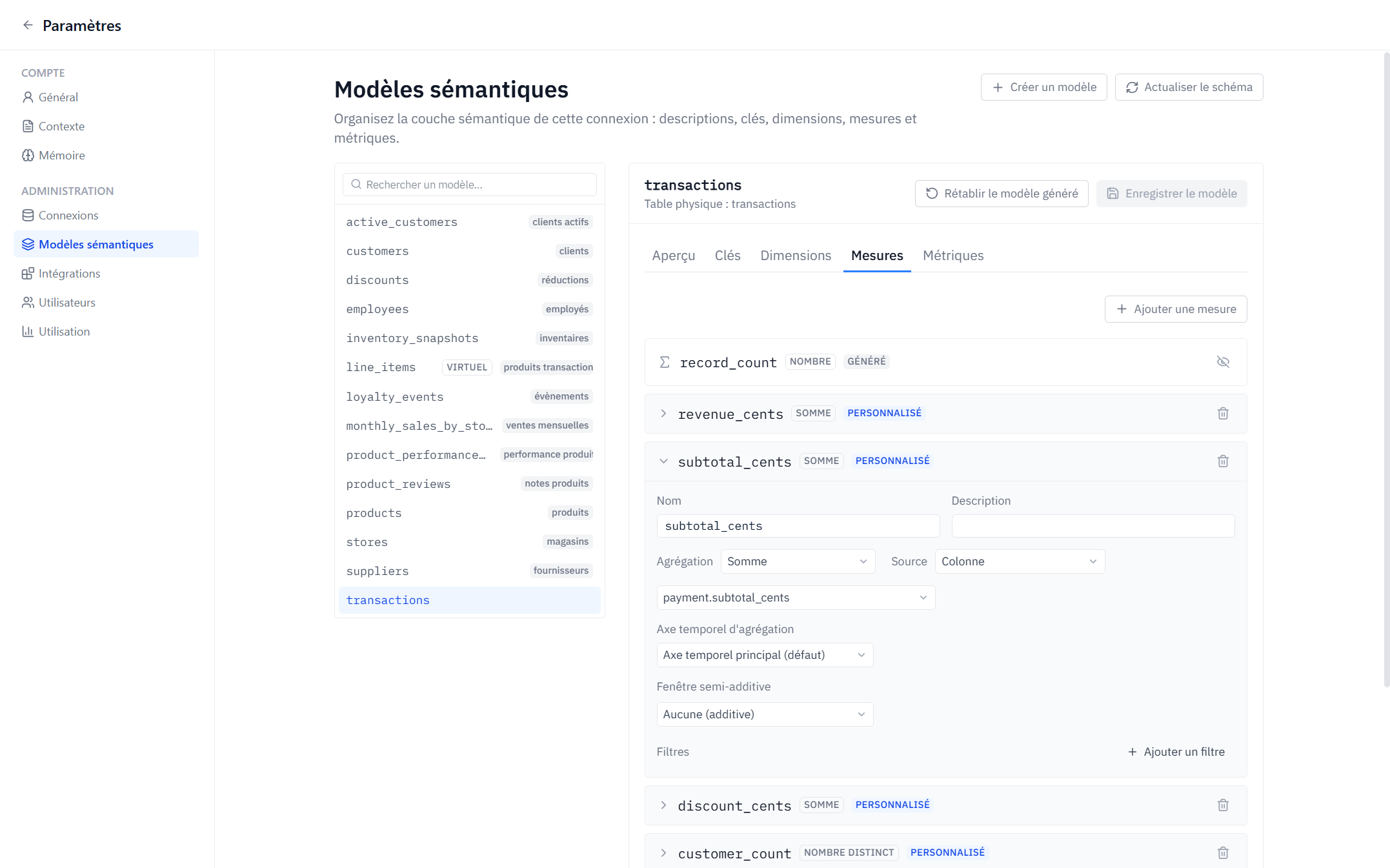
A measure describes how rows aggregate. Available aggregations:
| Aggregation | Meaning |
|---|---|
| Sum | Total of a numeric column |
| Count | Row count |
| Count distinct | Distinct values of a column |
| Average | Mean |
| Min / Max | Extremes |
| Percentile | A configurable percentile (0–1), e.g. 0.5 for median |
| Boolean sum | Count of true values |
| String agg | Concatenated values |
A measure's source can be a column, a SQL expression, or simply the count of records.
Measure filters
A measure can embed its own filters — for example completed orders only — using operators like equals, in, between, greater than, is null… The filter is applied every time the measure is used, wherever it is used.
Time behavior
- Aggregation time axis — by default a measure aggregates along the model's primary time dimension; you can pin it to another time dimension instead.
- Semi-additive window — for measures that must not be summed across time (account balances, inventory levels): take the last value or first value per period instead of the sum, per chosen grouping.
Curation checklist
- Rename cryptic columns with aliases and add descriptions.
- Hide technical columns (ids, hashes, audit fields).
- Set the primary time axis on every model that has a natural event date.
- Encode business rules (e.g. "active users only") as measure filters so they can't be forgotten.